goCORA Help Center
Welcome! Find step-by-step help for every screen of the goCORA app — setting up your email accounts, reading and organizing mail, contacts, the AI Assistant, security and backups.
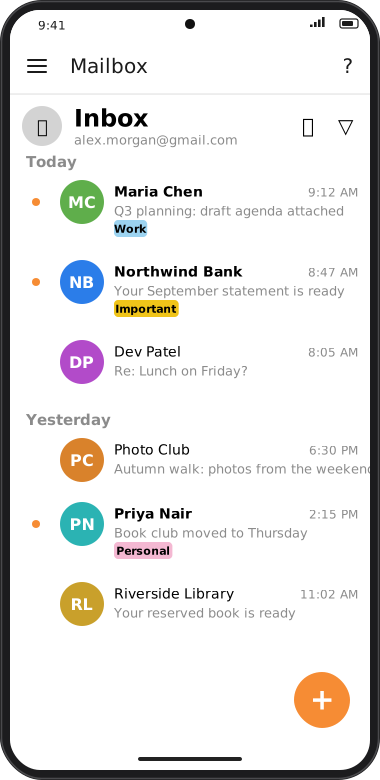
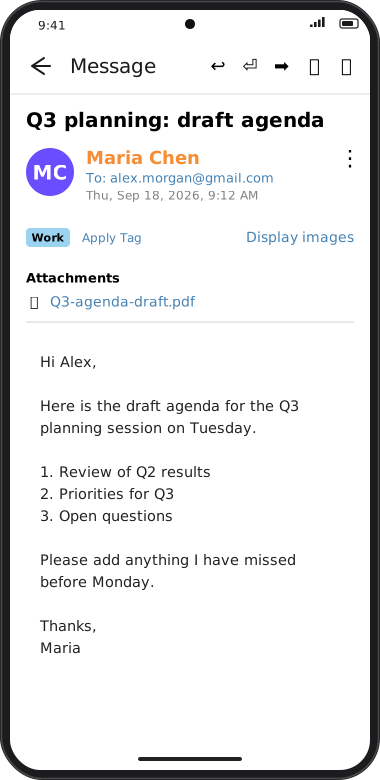
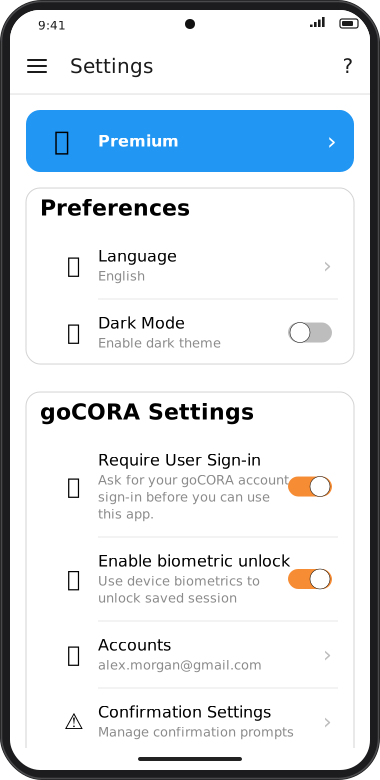
Tip: in the goCORA app, tap ? at the top of any screen to jump straight to the help for that screen.
Getting Started
- Installing goCORA
- First launch
- The home screen
- The side menu
- Creating a new goCORA account
- Multiple device setup
Email Account Setup
- Which account type do I need?
- Gmail / IMAP with an app password
- Generic IMAP account
- POP3 accounts
- The “Connect your email account” screen
- Managing your mail accounts
Reading & Writing Mail
- The Mailbox
- Selecting messages & bulk actions
- Reading a message
- Images & trusted senders
- Writing, replying & forwarding
- Secure email (CORA encryption)
Organizing
- Tags
- Folders & hidden folders
- Sent vs. Sent Mail (IMAP)
- Blacklist & Junk
- Contacts
- Adding & editing a contact
- Importing contacts
AI Assistant
Settings
goCORA Account & Security
- How goCORA protects your account data
- Managing your goCORA account
- Two-factor authentication (MFA)
- Require sign-in & biometric unlock
- Locking goCORA to one account
- CORA Security settings
- Backing up & restoring
- Deleting your goCORA account