First launch
Here's what happens the first time you open goCORA.
1. Connect your first email account
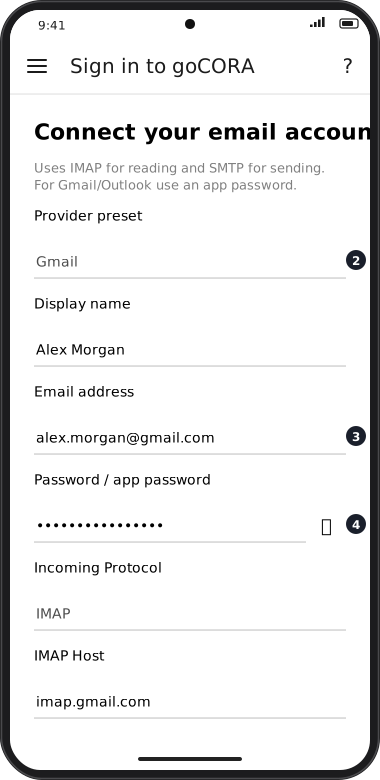
With no mail account saved yet, goCORA opens Connect your email account. Choose a provider preset (or Custom), enter your address and password or app password, and tap Sign in. See Which account type do I need? and The “Connect your email account” screen.
2. Your mail is downloaded
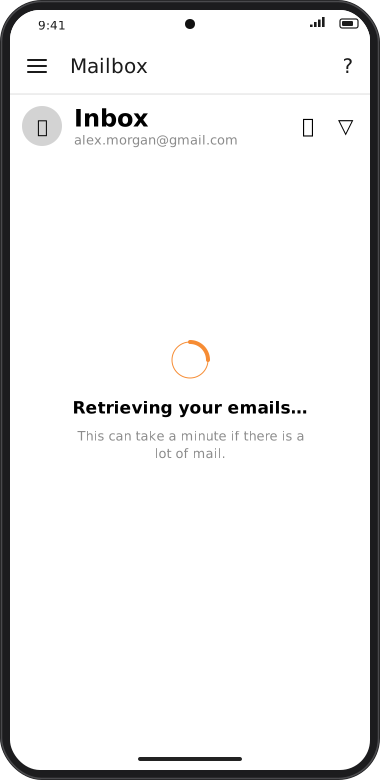
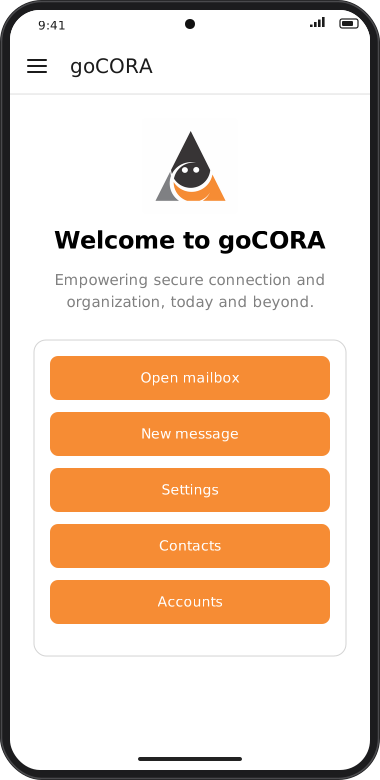
goCORA opens the Inbox and shows Retrieving your emails… while the first batch of messages is downloaded. This can take a minute for a large mailbox. After that, goCORA opens on the home screen each time.
Screens are illustrated with the Android layout; Windows and iOS show the same screens with native styling. Red numbers on a picture match the numbered list or the numbers in the caption for that picture.
Permission prompts
goCORA only asks for device permissions when a feature needs them, for example:
- Contacts — when you choose Import › From device.
- Photos/files — when you attach a file, choose a contact photo, or save/restore a backup.
- Biometrics — when you turn on Biometric Unlock.
Optional: create a goCORA account
You can read and send mail without one. A goCORA account adds Premium, backups, the AI Assistant and extra sign-in security — see Creating a new goCORA account.