Which account type do I need?
Not sure how to add your account? Use this quick guide.
| If your email is with… | Use this guide |
|---|---|
| Gmail / Google Workspace | Gmail / IMAP with an app password |
| Any other provider that supports IMAP (most modern providers do) | Generic IMAP account |
| A provider that only offers POP3, or you were told to use POP3 | POP3 accounts |
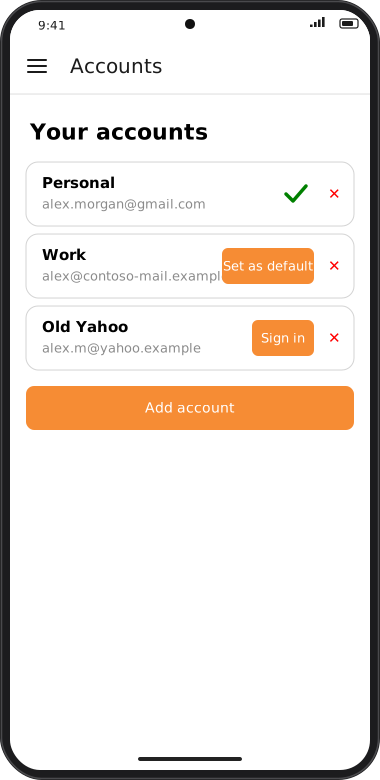
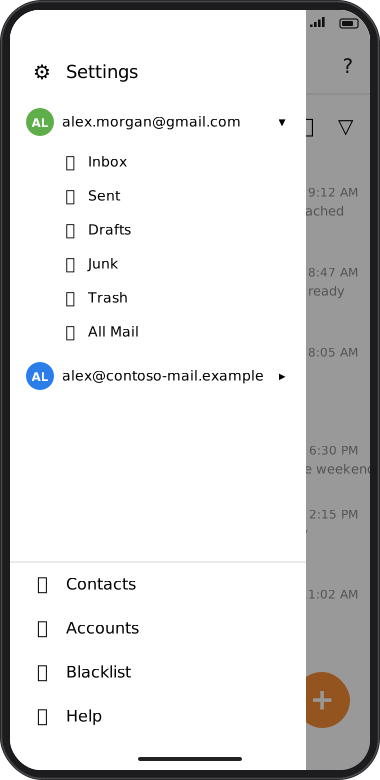
Screens are illustrated with the Android layout; Windows and iOS show the same screens with native styling. Red numbers on a picture match the numbered list or the numbers in the caption for that picture.
Still unsure?
In general, IMAP is recommended whenever it's available: it keeps your mailbox in sync across every device where you use goCORA. Only use POP3 if your provider doesn't support IMAP.