Installing goCORA
Video tutorial:
Getting started with goCORA
(opens in YouTube)
goCORA is available for Windows, Android, and iOS. Pick your platform below to get started.
Windows
- Open the Microsoft Store (or download the installer from gocora.com).
- Search for goCORA and select Get / Install.
- Once installed, launch goCORA from the Start menu.
Android
- Open the Google Play Store on your device.
- Search for goCORA (package
com.gocora.app) and tap Install. - Once installed, tap Open to launch goCORA.
iOS
- Open the App Store on your iPhone or iPad.
- Search for goCORA and tap Get.
- Once installed, tap the goCORA icon on your home screen to launch it.
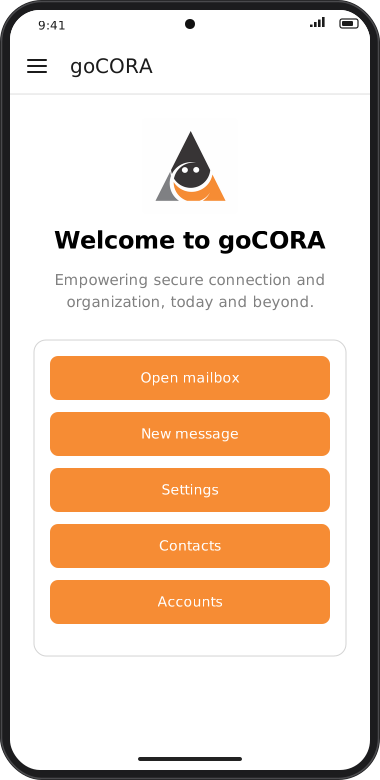
Screens are illustrated with the Android layout; Windows and iOS show the same screens with native styling. Red numbers on a picture match the numbered list or the numbers in the caption for that picture.
Next, see First launch to learn what to expect when you open goCORA for the first time.